- What do you need before you create your first Google ad?
- How do you set up a Google Ads campaign? (the full walkthrough)
- How do you create the ad itself?
- What should you check before you hit launch?
- Should you set up Google Ads yourself or hire someone?
- What happens after you launch?
- FAQ
What do you need before you create your first Google ad?
Four things. A page on your site about the service you want calls for. A phone someone answers. A list of the suburbs your crew actually drives to. And a budget you can hold for three months, not one week. Get those straight and the build itself is quick.
The website part is not optional any more. A responsive search ad is the search format you create today, and it needs a final URL to send the click to. The old route was a call ad that rang your phone with no site behind it. Google stopped letting anyone create those in February 2026, and the last of them stop serving in February 2027. One plain service page is enough to start. If you still have one of those old call ads ticking over, the assets guide has the deadline and the fix.
The phone part decides whether any of this pays. 95% of home service companies do not answer a web lead within five minutes. Call a new lead inside five minutes and your odds of qualifying it are 21x higher than at 30 minutes. Ads book the call. Someone still has to pick up. Work out now who that is in the day and who it is after hours, and tell them these calls cost you money. If the honest answer is voicemail, fix that before you spend a dollar on ads.
One naming note, because older guides trip people up. If you were told to set up Google AdWords, that is this same platform under its old name. Google renamed it in 2018. Our how Google Ads works guide covers the basics.
How do you set up a Google Ads campaign? (the full walkthrough)
Thirteen steps. Account and billing, conversion tracking, campaign type, location, budget, bidding, ad group, keywords, negatives, the ad, assets, ad schedule, and the AI Max decision. Work top to bottom. Each step names the setting the way Google labels it on screen, so you can find it.
- Open the account and add billing. Sign up at the Google Ads site and add a card. Google will try to steer you into Smart mode, its simple express setup. Switch to Expert mode instead. Smart mode hides most of the settings below, and those settings are what decide whether you get booked jobs or junk calls.
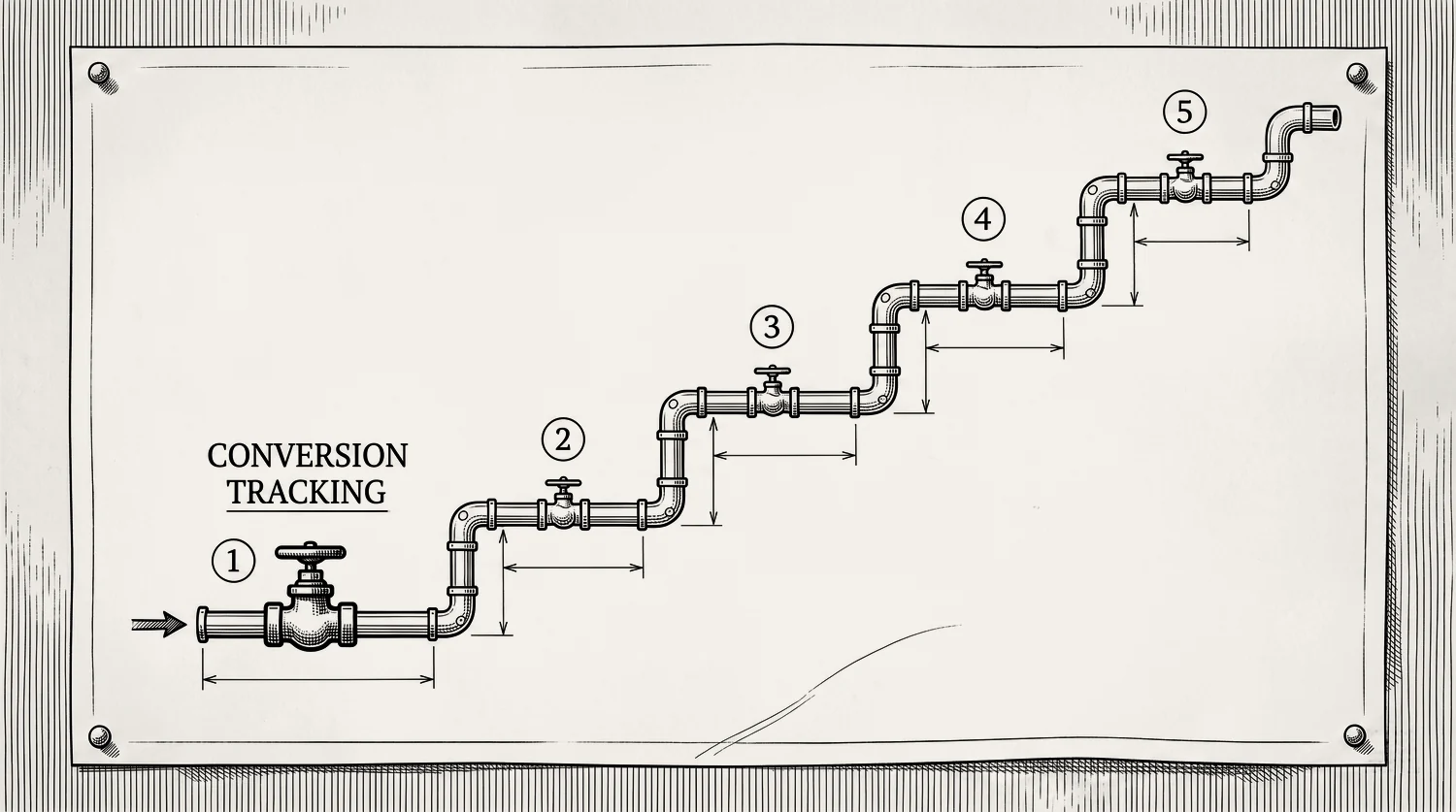
- Set up conversion tracking before you build anything. This is not the last step. It is nearly the first. Google now needs at least one conversion goal in the account before it will let you finish creating a Search campaign.[3] Set up two. A call conversion and a form conversion. For calls, turn on call reporting so Google assigns a forwarding number, then set a minimum call length. Every call that lasts at least that long counts as a conversion.[4] We use 60 seconds. A ten-second wrong number is not a lead. Our conversion tracking guide has the full setup.
- Start the campaign. Pick Leads, then Search. In the Campaigns menu, click the plus icon and choose New campaign. Pick Leads as the objective, not Sales or Website traffic. Then pick Search as the campaign type. Search is the only format where you choose which job you show up for. The rest can wait. See our campaign types guide.
- Set your service area, then fix the location setting. Add the suburbs your crew actually drives to. Then open Location options and change the target setting. Google defaults to “Presence or interest”, which also reaches people who merely showed interest in your area. That can mean someone three states away who searched your town once. Switch it to “Presence”, which reaches people in or regularly in the places you picked. This one change stops a lot of quiet waste. Cut the fringe suburbs where the drive time eats the margin, too. More in our location targeting guide.
- Set a daily budget you can hold for 90 days. Choose the daily budget option. Work the number backward from the booked jobs you want, and fund the whole runway, not just week one. At a blended cost per lead of $104, a handful of leads a week is real money, so decide the figure before you launch rather than after. Our budget guide has the method. One rule at setup. Do not split a small budget across five campaigns. Start with one.
- Set the bidding. Pick Conversions as what the campaign works toward, then set a Target CPA. That is the average cost per lead you are willing to pay. Now the part people get wrong. Google gives you two ways to build that strategy, standard and portfolio. Pick portfolio. It is the only one with a field where you cap your cost per click, and that cap is what makes a day-one start safe while Google learns. Google only offers those bid limits on a portfolio Target CPA strategy, never on a standard one.[5] Build it the quick way and there is simply no cap field to fill in. Set the target at or above what a lead really costs you today, never below. One more thing at setup. A campaign showing the “Limited by budget” status heads toward the target you set rather than beating it,[6] and a new campaign on a tight budget often shows that status. So pick a target you can genuinely live with paying. Every bid strategy, and how to pick your target, is in our bidding guide.
- Build a Standard ad group, not a Dynamic one. When you name the ad group, Google offers Standard and Dynamic. Choose Standard. Dynamic ad groups belong to the old Dynamic Search Ads system, which Google is retiring and folding into AI Max. Do not start something new on a system being switched off. Keep one ad group per service, so the keywords, the ad, and the page all match. Basement waterproofing in one, foundation crack repair in another. They are different searches, different jobs, and they need different pages. Keeping them apart is how basement waterproofing stops paying for crack repair clicks. See how to split your services across ad groups.
- Add keywords the way a customer types them. Use exact match for your best money terms, like
[emergency plumber]. Add a smaller set of broader keywords in the same ad group to catch phrasings you would never think of. Keep broad match at the ad group level only. Do not switch on the campaign-level broad match setting. Google is retiring it, and it is one of the two settings that triggers an automatic AI Max upgrade from September 2026. See how to find the keywords worth bidding on and what each match type actually does.
- Load negative keywords before you spend a dollar. Add a starting block now. Jobs, salary, career, DIY, free, cheap, how to, and every service you do not offer. Broad keywords with no negative list is how a budget disappears in a week. See the negative keyword master list.
- Write one responsive search ad per ad group. At least one, and Google will let you add up to three. Point it at the page for that service, not your homepage. The next section covers what goes in it.
- Add your assets. Turn on call assets, location assets, and sitelinks. These used to be called ad extensions. They make your ad bigger and put a tap-to-call button on phones. Call assets are also how you get phone calls now, since the call-ad route closed. Your phone number belongs inside the responsive search ad as a call asset.
- Set the ad schedule to match who answers the phone. The ad schedule sits in campaign settings under “Ad schedule”. Emergency trades run all hours, because the money calls at night. Installs and quotes can run business hours, so the office follows up the same day. Whatever you pick, someone has to be answering. Paying emergency prices for a click that hits voicemail is the worst money in the account. Leave bid adjustments by hour alone for now. Set sensible hours and let the data tell you later.
- Decide about AI Max before you launch, not after. AI Max is Google’s newer matching layer, and it lives as a setting inside your Search campaign. Turning it on also turns on text customization and final URL expansion. Those two let Google rewrite parts of your ad and send clicks to other pages on your site. On a brand-new contractor account we leave it off until the tracking has proven itself and there is real data to judge. If you do turn it on, set your brand exclusions first and check where final URL expansion is sending people.
How do you create the ad itself?
You create one responsive search ad per ad group. You hand Google a set of headlines and descriptions, and it mixes them into the ad each searcher sees. Name the service, name the area, and give a reason to call now. That is the whole job.
Write the headlines the way a customer would say it. “Emergency plumber in [your town].” “Roof leak fixed today.” “24/7 callout.” Put your service and your suburb in there, because a searcher scanning four near-identical ads picks the one that sounds local and available. Keep at least one headline about the thing that makes you the easy choice, like same-day service or a fixed callout fee.
Google rates each ad for strength as you type. Do not chase that meter. Google says Ad Strength is not used to calculate Ad Rank, Quality Score, or auction wins. It does not directly affect whether your ad can serve either.[7] What does matter is that the words in the ad match the words in the search, and that the page you land on is about that same service. Our responsive search ads guide covers the format, and ad copy examples has lines you can borrow.
What should you check before you hit launch?
Run this list before you set the campaign live. It takes ten minutes and it catches the mistakes that cost the most, because a setting you miss on day one keeps costing you every day after.
- Conversion tracking is firing. Send a test lead and confirm it records.
- Location is set to “Presence”, not “Presence or interest”.
- Negative keywords are loaded.
- The daily budget is one you can hold for the full 90 days.
- Your Target CPA sits inside a portfolio strategy with a cost-per-click cap.
- The ad group is Standard, not Dynamic.
- The campaign-level broad match setting is switched off.
- Every ad group has at least one responsive search ad.
- Each ad points at a page about that service, not your homepage.
- The ad schedule matches who is actually answering.
This list works just as well the other way round. If someone else built your account, sit down and walk the same ten points with them, one at a time. You do not need to know how to build a campaign to ask whether location is set to presence, or whether a test lead has been through the tracking. The answers tell you what you are paying for.
Then set it live. Most ads are reviewed within one business day. If anything sits under review for more than two full business days, check the ad status.[8] If you would rather have someone check a live account instead, our audit checklist shows what to look at.
Should you set up Google Ads yourself or hire someone?
The build is the easy part, and plenty of contractors do it themselves and do fine. An afternoon and this page will get a clean campaign live.
The hard part is the weekly work that comes after. Mining the search terms report. Cutting the junk. Feeding the bidding clean data. That is where most self-run accounts quietly leak, and it does not show up on the day you launch. It shows up in month two, when the spend is real and the calls are thin.
So here is the straight answer. Do it yourself if you have a few hours a week and you like reading numbers. Hand it over if your time is worth more on the tools or quoting work, or if you have tried before and watched the budget vanish into spam calls. Handing it over is really just buying back those hours, which is what paying someone to run Google Ads gets you. There is a third option worth naming: give it to someone in your office who is good with detail, and give them the hours to do it properly. What does not work is adding it to the end of a day that already ran long. Neither answer is wrong. Either way, the account still needs answering, tracking, and weekly attention.
What happens after you launch?
The campaign going live is day one of about 90 before the numbers settle. Early results swing hard in both directions, and the most expensive mistake a contractor makes is judging the account in weeks two to four.
What you do in those three months matters more than the build did. Our first 90 days guide has the plan: what to collect in month one, what to change in month two, and what to scale in month three.
Stop reading · start fixingSee where your pipeline is leaking.Free 15-minute Leak Finder. We pull up your numbers, name your biggest leak, and hand you a 90-day plan. No sales script, no hard close.Find My Google Ads LeaksFAQ
How long does it take to set up a Google Ads campaign? An afternoon for the build. Account, billing, conversion tracking, one Search campaign, keywords, an ad, and your assets. Most ads are then reviewed within one business day before they start showing. The setup is quick. Getting to a steady cost per booked job takes about three months.
Can you run Google Ads without a website? Not really, not any more. The old way was a call ad that rang your phone with no site behind it. Google stopped letting anyone create those in February 2026, and the last of them stop serving in February 2027. A responsive search ad needs a page to point at. Get one simple service page up first, then add your phone number as a call asset.
Why won’t Google let me finish creating my Search campaign? Most often because there is no conversion goal in the account yet. Google now wants at least one before it will let you complete a Search campaign.[3] Set up your call and form conversions first, then start the campaign again. That is why tracking is step 2 on this page and not step 10.
Should I use Smart mode or Expert mode to create a Google ad? Expert mode. Smart mode is Google’s express version, and it hides the settings that keep a home-services budget honest: location presence, negative keywords, match types, and the bid cap. You can switch an account from Smart to Expert, but it is far less painful to start in Expert.
- 1. SearchLight, January 2026, 816 contractors, $14.9M spend
- 2. Valve+Meter audit, 466 companies, 2021
- 3. Google Ads Help, “Create a Search campaign” ↩
- 4. Google Ads Help, “About phone call conversion tracking” ↩
- 5. Google Ads Help, “About Target CPA bidding” ↩
- 6. Google Ads Help, "Changes to target based bid strategies" ↩
- 7. Google Ads Help, “About Ad Strength” ↩
- 8. Google Ads Help, “About the ad review process” ↩
- 9. Lead Response Management study, 2007


