- What is a responsive search ad?
- How do responsive search ads work?
- How many responsive search ads can you have per ad group?
- How do you turn on a responsive search ad in Google Ads?
- RSA vs DSA: what is the difference?
- How to write responsive search ads that book jobs
- Should you pin headlines and descriptions?
- Does Ad Strength matter, and how do you read it?
- FAQ
What is a responsive search ad?
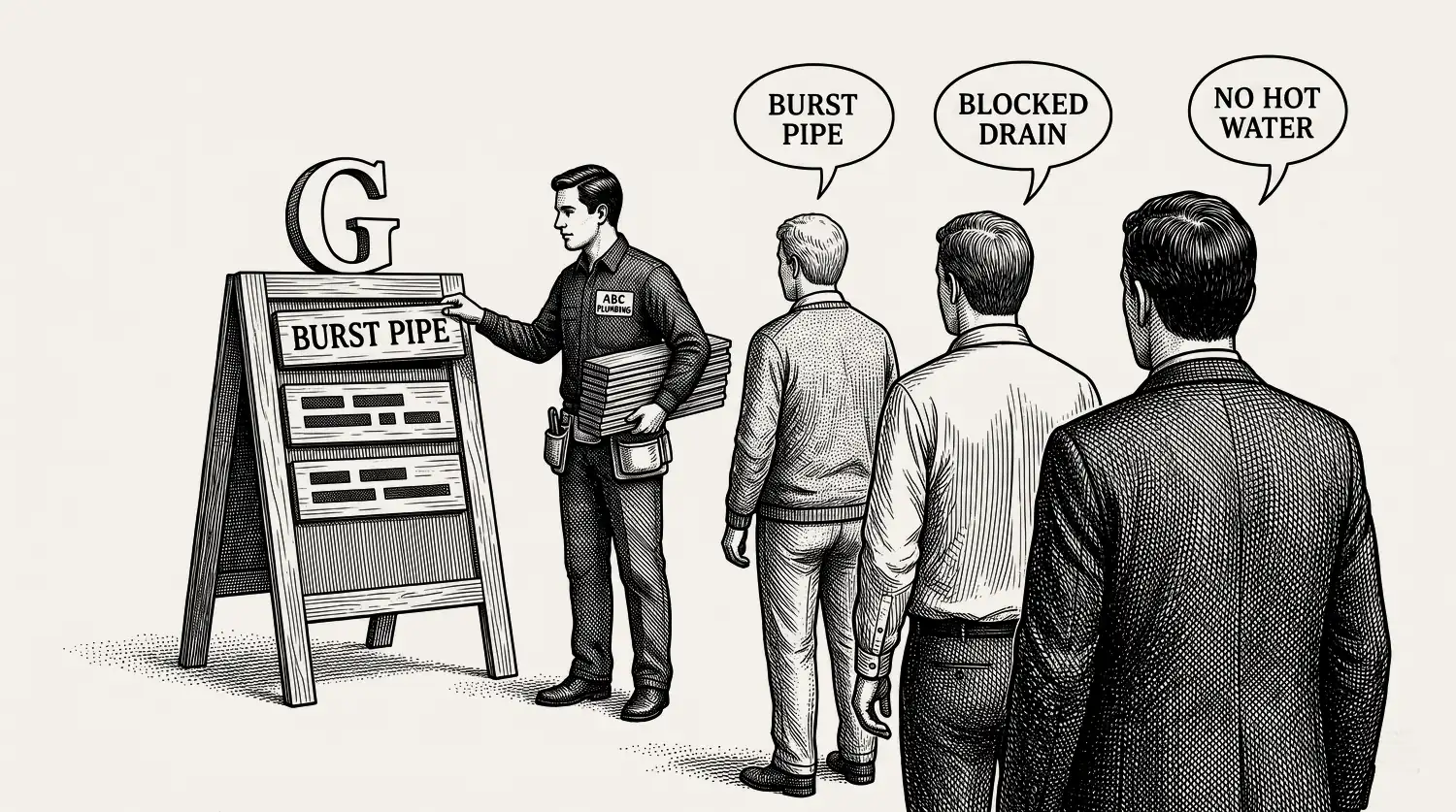
A responsive search ad is the standard text ad in Google Ads today. Instead of writing one fixed ad, you give Google a set of parts: up to 15 headlines and 4 descriptions. Google assembles the best combination for each search. It replaced the old expanded text ad, which you wrote yourself, top to bottom.
So the job changed. You are no longer writing one ad. You are writing building blocks and letting the system test them. The parts still have to be yours, and they still have to be good.
How do responsive search ads work?
You load your headlines and descriptions. For each search, Google picks a combination and shows up to 3 headlines and 2 descriptions at a time.[1] It learns which parts pull best and leans on them. The character limits are fixed: 30 characters per headline, 90 per description.[1]
Two things make this work in your favour. Responsive search ads pair with broad match keywords and Smart Bidding, so Google can match more searches and bid per auction with your conversion data. More on that in smart bidding. The catch is the same as the benefit. Google controls the mix, so weak or off-topic parts still get shown. Your job is to make sure there are no bad parts to pick from.
One thing worth knowing about where these ads land. Search results now often open with an AI Overview, the AI-written summary at the top of the page. Your search ads are eligible to show above it, below it, or inside it. So the AI answer does not lock you out. It does mean the searcher may read an answer before they ever reach your ad, which puts more weight on your ad saying something specific and local rather than generic.
How many responsive search ads can you have per ad group?
Google allows up to 3 responsive search ads per ad group.[1] You do not have to run three. For most contractor ad groups, two strong ads is the right number to start.
Here is why. Two ads give Google enough to rotate and compare without splitting your clicks so thin that neither gets enough data to judge. On a small account that books a handful of jobs a week, three ads can stretch the data too far. Run two solid ones, let them gather booked jobs, then add a third to test a new angle once you have a clear winner.
How do you turn on a responsive search ad in Google Ads?
You build a responsive search ad inside a search campaign ad group. It is the default, so there is no switch to flip. Here is the order.
- In your search campaign, open the ad group and choose to create a new ad.
- Enter your final URL, the page the click lands on.
- Add your headlines, up to 15. Lead with service plus area, like “basement waterproofing [city]” or “same-day AC repair [suburb]”. Add trust and calls to action.
- Add your descriptions, up to 4. Name the problem, the fix, one trust signal, and the ask.
- Watch the Ad Strength meter as you type. Aim for “Good” or better without stuffing keywords.
- Turn on your assets (call, location, sitelink, callout) so the ad takes more room. The call asset matters most for a phone-first trade, because it is now the only way to put a tap-to-call number on a search ad. See Google Ads assets.
- Save. Add a second responsive search ad to the same ad group to test against it.
RSA vs DSA: what is the difference?
You write the copy for a responsive search ad. People shorten it to RSA. A dynamic search ad, shortened to DSA, was different. Google generated the headline and match from the content on your website, not from copy you wrote. You gave it pages or a page feed, and it filled in the rest.
Here is the 2026 update, because it changes the answer. Dynamic search ads are being retired. Google is upgrading them into AI Max, its AI-powered version of the same idea. From September 2026 you can no longer create a new campaign with dynamic search ads in Google Ads, Google Ads Editor, or the API. Campaigns that use dynamic search ads along with text customization or campaign-level broad match start being upgraded to AI Max automatically in September 2026. Every remaining dynamic search ad campaign is upgraded starting February 2027.[2] Dynamic ad groups become standard ad groups when that happens.
So what should a contractor do? Use responsive search ads as your core, exactly as before. You control the message, the offer, and the proof, which matters when a click costs real money. Do not start building a dynamic search ad campaign now, because you are building on a format with a switch-off date. If you already run one, expect it to become AI Max on Google’s timetable and read up before it does. AI Max broadens which searches you match and can rewrite your ad text, so the controls to learn are brand exclusions, location restrictions, and the text guidelines you can set in plain language. The full match-type picture is in match types.
How to write responsive search ads that book jobs
Write parts that stand on their own. Every headline has to make sense next to any other headline, because Google will shuffle them. So skip sentences split across boxes. Write 10 to 15 true, specific claims, each one able to lead the ad.
Cover four kinds of headline. Service plus area (“roof repair [city]”). Trust (“licensed and insured,” “24/7,” “financing available,” “free quote”). The offer (“upfront pricing,” “same-day service”). And a call to action (“call now,” “book online”). Do the same across your descriptions: problem, solution, proof, ask.
The honest warning: do not let Google write your ads for you. It will happily suggest headlines pulled from your site, and it will accept anything that lifts the Ad Strength meter. If you see a setting called text customization, that is the feature that writes and swaps in ad text for you. Google used to call it automatically created assets, and it now sits inside AI Max. Know which of your headlines are yours and which Google wrote. That is how accounts end up with vague, samey copy that could belong to any contractor in town. The specifics are yours. Your suburb, your licence, your real reviews, your upfront price. A rival can copy your headline. They cannot copy your proof. The click has to land on a page that matches the ad, too, or the promise breaks. Full example libraries by trade live in our ad copy examples. Before you spend more, it helps to know what a lead should cost you.
If someone else runs your ads, this is the quickest thing to check yourself. Open one of your ads and read the headlines. If not one of them names your suburb, your licence, your real arrival time, or a price you actually charge, that ad was written for any contractor in your trade. It was not written for you, and you are paying for every click it earns. Getting ads that could only be about your business is slow, unglamorous work, and it is the work a management fee is meant to buy.
You will see agencies claim responsive ads lift click-through rate by big percentages. Treat that as their claim, not a promise. The number you budget against is booked jobs, not clicks.
Should you pin headlines and descriptions?
Pinning locks a headline or description to a set position so it shows there. You can pin to headline position 1, 2, or 3, and description position 1 or 2.[1] One catch to know before you rely on it. Google says a headline pinned to position 1 or 2, or a description pinned to position 1, will always show. A headline pinned to position 3 or a description pinned to position 2 is not guaranteed to appear at all.[3] So if a line legally has to be seen, pin it high, not to position 3. Pin sparingly either way. Every pin removes combinations Google can test.
When does pinning earn its keep for a service business? Three cases. A legal line you must always show (a licence number, a disclaimer). Your business name, if you want it locked in position 1. Or a call to action you never want dropped. Pin those, leave the rest free, and let Google test the field. Pinning every headline turns a responsive ad back into a fixed one and throws away the reason to run it.
Does Ad Strength matter, and how do you read it?
Ad Strength is Google’s meter that rates your ad based on variety and relevance. The ratings run “Incomplete,” “Poor,” “Average,” “Good,” and “Excellent.”
Be clear on what it is not. Google states plainly that Ad Strength “is a feedback tool for asset diversity and combination testing” and “isn’t used to calculate Ad Rank, Quality Score, or auction wins,” and that the rating “doesn’t directly influence your ad’s serving eligibility”.[4] So a “Poor” ad is not being held back in the auction. The meter is advice, not a score you are graded on.
Read it as a checklist, not a number to max out. It rewards more distinct headlines, the keyword used in a headline, and less repetition. Google’s own recommendation is at least 2 responsive search ads per ad group at “Good” or “Excellent.” That is a sensible bar. Just do not chase “Excellent” by stuffing the keyword into every headline. That hurts the thing that actually matters: relevance to the searcher, which does feed your Quality Score. A relevant “Good” ad beats a keyword-stuffed “Excellent” one.
Stop reading · start fixingSee where your pipeline is leaking.Free 15-minute Leak Finder. We pull up your numbers, name your biggest leak, and hand you a 90-day plan. No sales script, no hard close.Find My Google Ads LeaksFAQ
How many headlines should a responsive search ad have? Give it as many strong, distinct headlines as you can, up to the 15 it allows, and at least 4 descriptions. More real variety gives Google more combinations to test. Do not pad with filler to hit 15. A tight set of true, specific headlines beats a full box of repeats.
Should I pin RSA headlines? Only when a part must always show, like a licence line, your business name, or a call to action you never want dropped. Pinning removes combinations Google can test and can lower Ad Strength, so pin one or two positions at most and leave the rest free to rotate.
Can I still use expanded text ads? No. Google retired expanded text ads in June 2022. You cannot create or edit them anymore, and responsive search ads are the standard text ad now. If you miss the control, you can pin a headline or two to lock key parts in place.
How many responsive search ads should I run per ad group? Up to 3 are allowed. Start with two strong ones so your clicks are not split too thin to judge. Once you have a clear winner, add a third to test a new angle. On a small account that books a few jobs a week, more than two just slows learning.
- 1. Google Ads Help, "About responsive search ads" ↩
- 2. Google, “Google’s Dynamic Search Ads are upgrading to AI Max” ↩
- 3. Google Ads Help, “About responsive search ads” ↩
- 4. Google Ads Help, “About Ad Strength for responsive search ads” ↩
- 5. LocaliQ, 3,211 US campaigns, April 2024 to March 2025


