- What is a Google Ads audit?
- The 15-point home-services Google Ads audit checklist
- How to check your conversion tracking is set up right
- How to find wasted spend (search terms and negative keywords)
- How to check for location and schedule leaks
- How to read a Google Ads report
- How often should you audit?
- Should you audit it yourself or get a second set of eyes?
- FAQ
What is a Google Ads audit?
A Google Ads audit is a full check of your account to find waste and fix it. You go through the settings, the search terms, the bids, and the tracking. The goal is not a tidy account. The goal is a lower cost per booked job. You are hunting for money that leaves without bringing work back.
Run one when results slip, when you take over an account, or on a set schedule. Most owners never audit at all. They set the account up once and hope. That is how a $104 lead quietly becomes a $250 one. An audit is how you catch it.
You do not need a tool to start. You need the account, an hour, and a list of what to check. That list is below.
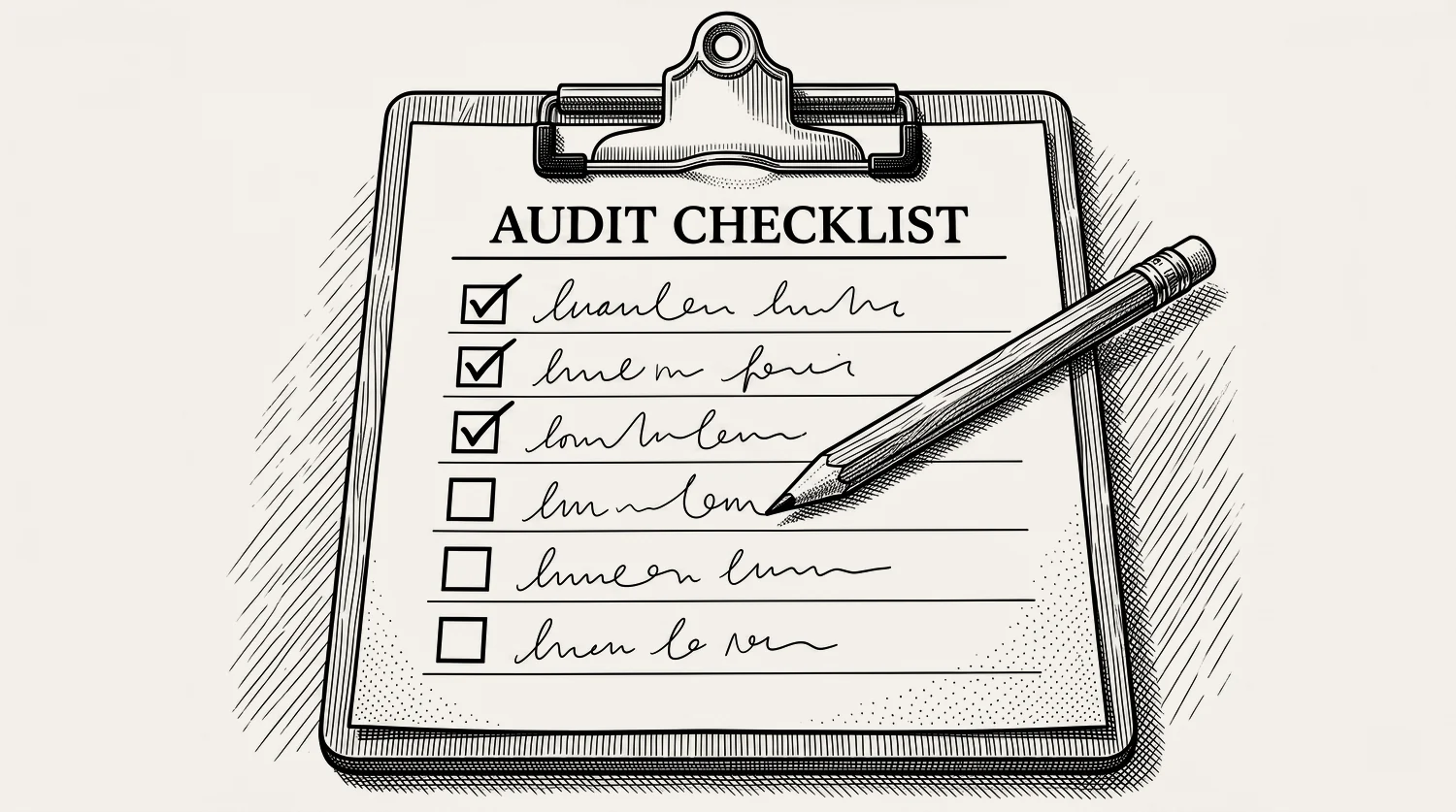
The 15-point home-services Google Ads audit checklist
Here are the 15 checks, in the order we run them. Start at the top. The early ones catch the biggest leaks. Work down until you have been through all 15.
The next sections go deeper on the checks that leak the most money. The rest you can run straight off the list above.
If you do not run the account yourself, this list is also a set of questions. Send all 15 to whoever manages your ads and ask for an answer to each one. Someone doing the job properly will have those answers ready. Someone who is not will send you a report about clicks and impressions instead.
How to check your conversion tracking is set up right
Conversion tracking is check one because a broken tracker poisons everything else. If Google counts a 3-second wrong number as a lead, it learns to buy more of them. Your bids chase noise. You cannot audit an account whose data is lying to you. Fix this first.
Open your conversion actions. You want three things. Calls counted only past a set length, not every tap on your number. Google’s own rule is plain: you set a minimum call length, and every call that lasts at least that long counts as a conversion.[3] Form fills counted once each. And no duplicate or “page view” actions padding the total.
Then check that a real booked job can flow back in. That takes two things: someone in your office marking each lead as booked or not, and that outcome getting sent back to Google. Without it, Google is buying leads, not work. The full setup lives in the conversion tracking guide.
How to find wasted spend (search terms and negative keywords)
The search terms report is the fastest money you will find in an audit. It shows the exact words people typed before they clicked. Sort by cost. Read the top of the list. You will find searches you never meant to pay for: “roofing jobs hiring,” “how to fix a tap yourself,” “HVAC parts wholesale,” a town you do not serve. Every one of those is a click you bought that could never become work.
Add the junk as negative keywords so it cannot trigger your ads again. Do this every week, not once a year. A broad-match keyword with no negative list is a hole in the bottom of the bucket. The search terms report guide and the negative keywords guide cover both in full.
How to check for location and schedule leaks
Two settings quietly waste more money than most owners guess. Location and schedule. Both hide in the campaign settings, and both default to something that costs you.
Location first. Google’s default reaches people “in, or interested in” your area. That second half means someone across the country searching your town can trigger your ad. Switch to presence targeting, so you only pay for people actually in the suburbs you serve. Then cut the fringe suburbs where the drive time eats the profit. The location targeting guide walks through it.
Schedule next. If your ads run at 2am and nobody answers, you paid for a call that rang out. Match your ad schedule to when someone picks up. Emergency work can run all hours, but only if you have someone on shift to answer all hours. Both are set in the campaign setup walkthrough.
How to read a Google Ads report
Google shows you dozens of numbers. Most do not matter. Reading a report well means ignoring the vanity metrics and watching the ones tied to booked jobs. Clicks and impressions feel good and pay nothing. Start with cost per conversion, then cost per booked job once your data flows back.
Here is the order we read them in. Conversions first: are leads coming in? Cost per conversion next: what does each lead cost, and can the job value carry it? Then conversion rate and impression share, to see if the leak is the page or the budget. The metrics guide names each number and what it should tell you.
One habit saves you from panic. Do not judge a new campaign on week one. Give it data. Then read the report against your own targets, not Google’s suggestions.
How often should you audit?
Two rhythms. A quick monthly check, and a deep quarterly audit. The monthly check takes 15 minutes: read the search terms, add negatives, scan for a campaign that has stalled or a disapproved ad. The quarterly audit is the full 15 points above, with time to fix what you find.
You do not want to touch the account daily. That does more harm than good with Smart Bidding. Our rule is simple. Do not change the bid strategy just to feel busy. But do act when a real threshold is missed. If you expected a booked job by 50 clicks on a keyword and there is still nothing by 80, that is the signal to change something. Not before. Give new campaigns and keywords time to find their feet, then judge them on the data.
Should you audit it yourself or get a second set of eyes?
You can run this audit yourself. The 15 points above are the same ones we start with. If you have the hour and you know your job values, do it. Most of the waste is not hidden. It is sitting in the search terms report waiting to be read.
The honest case for a second set of eyes is time and pattern. We log into these accounts every day, so we spot the leak in minutes that takes an owner an afternoon to find. That is most of what a Google Ads agency built around home services is really selling: hours you do not have to spend. And we know what a good number looks like across dozens of home-services accounts, so we can tell you if your cost per lead is fine or quietly bad.
So here is the straight answer. Run the manual audit if you have time. If you would rather see the leaks found for you, run the Leak Finder. If you want a guarantee that the account will never need work again, we are not your fit.
Stop reading · start fixingSee where your pipeline is leaking.Free 15-minute Leak Finder. We pull up your numbers, name your biggest leak, and hand you a 90-day plan. No sales script, no hard close.Find My Google Ads LeaksFAQ
How long does a Google Ads audit take? A monthly quick check takes about 15 minutes. A full 15-point audit takes one to two hours to review a small home-services account, plus more time to fix what you find. Larger accounts take longer. The reading is fast. The fixing is the work.
What are the 5 C’s of an audit? It is a general audit term, not a Google Ads one: criteria, condition, cause, consequence, and corrective action. In plain words, what should be true, what is actually true, why the gap exists, what it costs you, and how to fix it. Our 15-point list does the same job with less jargon.
What tools do I need to audit a Google Ads account? Just the account itself and the search terms report inside it. Free grader tools give you a quick score, but they cannot see your job values or your booked jobs, so they miss the number that matters. The Leak Finder is built for home-services accounts and looks at the leaks a generic grader skips.
How can I tell if my account is wasting money? Read the search terms report. If you see searches you would never pay for, you are wasting money. Other signs: clicks with no calls, a rising cost per lead, and conversions that do not match your booked jobs. If the account cannot tell a booked job from a wrong number, it is almost certainly leaking. The not working guide covers the full diagnosis.


