- What is conversion tracking in Google Ads (and why do you need it)?
- What should a contractor track as a conversion? (calls, forms, bookings, not clicks)
- How do I set up conversion tracking in Google Ads?
- How do I track phone calls from my ads?
- How do you check your conversion tracking is actually working?
- Can you run Google Ads without conversion tracking?
- Why broken or missing tracking is a revenue leak
- FAQ
What is conversion tracking in Google Ads (and why do you need it)?
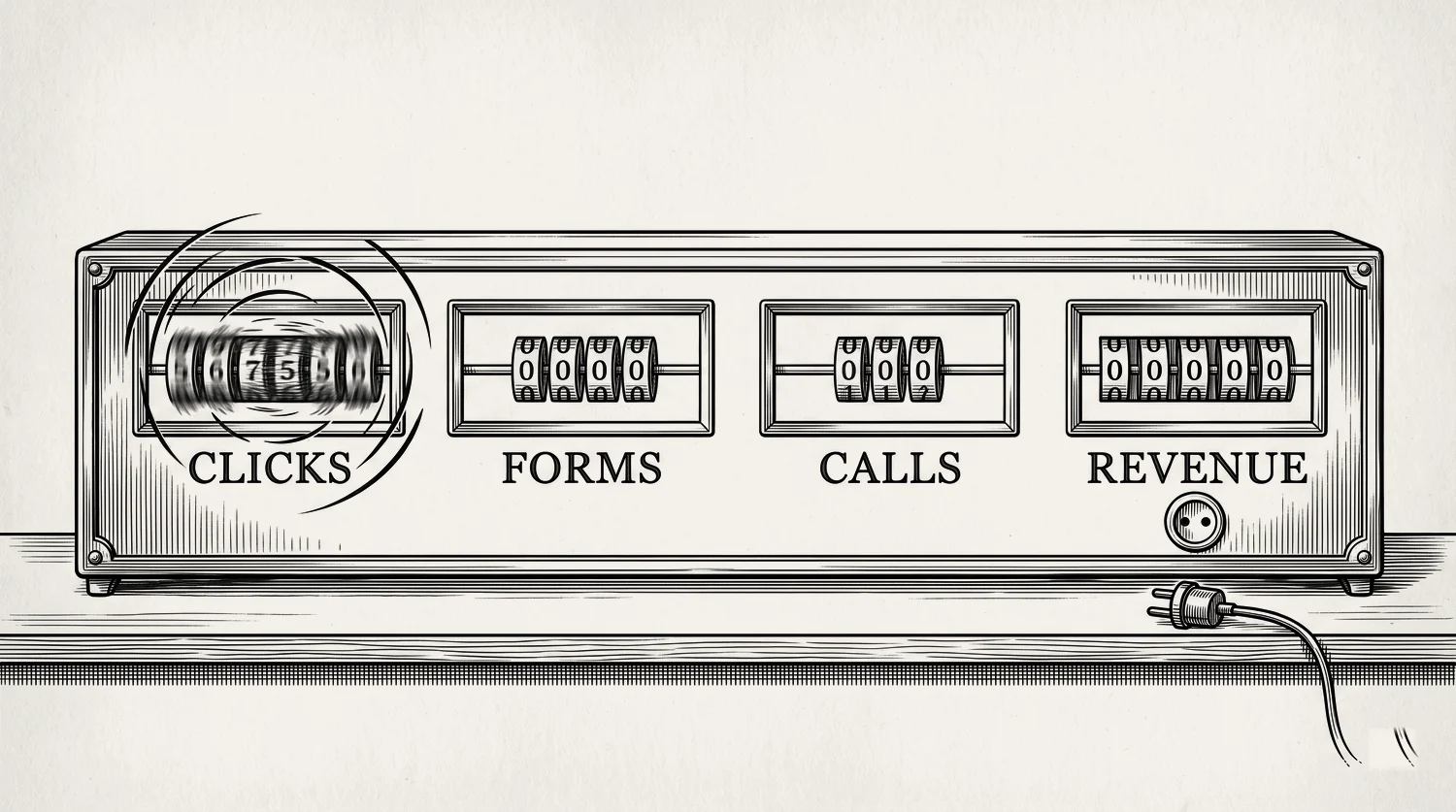
Conversion tracking is a small piece of code in your Google Ads account. It records what a visitor does after they click your ad. A conversion is a valuable action: a phone call, a form fill, a booking. Tracking tells you which ads, keywords, and campaigns produce real leads, not just clicks.
Without it, you see clicks and cost. You do not see which clicks became customers. That is like paying for the petrol and never checking where the van went.
Here is why it matters more for you than for most advertisers. Google’s own bidding runs on this data. And you cannot fix what you cannot see. If your account has no tracking, or broken tracking, that is almost always the first leak we find. It sits above everything else, because every other decision depends on these numbers being true.
What should a contractor track as a conversion? (calls, forms, bookings, not clicks)
Track the actions that lead to money. For a home services business that means three things. Phone calls from your ads. Form fills and quote requests on your site. And booked jobs. Not clicks. Not page views. A click is traffic. A booked job is revenue. The gap between them is where you win or lose.
Your conversion set looks like this:
- Phone calls. Calls from the ad and calls from your website. Most emergency and urgent work comes by phone.
- Form fills. Quote requests, contact forms, callback requests.
- Bookings. Online scheduler submissions, if you use one. An HVAC service call or a window measure booked online counts here.
Now the part almost nobody does. The best contractors feed back which of those leads became booked jobs. That is offline conversion tracking, and it is the whole point of this chapter. It lets Google chase booked jobs instead of raw form fills. The full guide is at optimising to booked jobs, not leads.
That part is a people job before it is a software job. Whoever answers your phone has to mark which leads turned into work. A field in your job software, or one column in a spreadsheet, is enough to start. Google can see the call happened. It cannot see that the job got quoted, won, and invoiced. Only your office knows that, so somebody has to write it down.
One more rule that keeps your data clean. Mark the booked job, or the qualified lead, as your Primary conversion. That is what Google’s bidding should aim for. Track softer signals, like a click-to-call tap or a form start, as Secondary. They inform your reporting without dragging bidding toward cheap actions.
How do I set up conversion tracking in Google Ads?
Setup is three steps. Create a conversion action in Google Ads. Install the Google tag, or Google Tag Manager, on your site. Then mark which actions are primary and which are secondary. It is free, and it takes an afternoon. Doing it right matters more than doing it fast.
One practical note on who actually does this. Steps 1 and 3 are yours, and each takes about ten minutes in the Google Ads screens. Step 2 touches your website, so if you have a web person, or the company that built the site, hand that one to them. Send them two things: the tag from your account and the exact address of your thank-you page. Give them a deadline. Until that tag is live, every dollar the account spends is money you cannot measure.
Two settings raise the quality of the data. First, add a value. Give each conversion a dollar amount where you can. Even a rough average job value helps Google bid toward money, not counts. Second, turn on enhanced conversions. It uses your own first-party data, scrambled before it is sent, to recover conversions that browser privacy changes would otherwise hide.
One thing changed in 2026, so set it up the new way. Google used to split this into two settings, one for the web and one for leads. Since June 2026 they are one on and off switch.[3] New conversion actions inherit whatever your account-level setting says. It is still your choice, and you can turn it off on a single conversion action any time.
How do I track phone calls from my ads?
Phone calls are the main conversion for most trades, so track them properly. Google can assign a forwarding number that records call length, start time, and whether the call connected. You set a minimum call length, and every call at least that long counts as a conversion. That filters out wrong numbers and 10-second hang-ups.
Google says it plainly in its own help doc. “You set a minimum call length, and every call that lasts at least that long is counted as a conversion”.[4] Set that length to mean a real conversation. Sixty seconds is a sensible floor for most trades. Check it against how your own office works, though. Time a few real calls that ended in a booked job. If your team qualifies a job and books the van in forty seconds flat, a sixty-second floor will throw away real leads, so set it lower. A forwarding number also logs call duration and source.[5]
One 2026 note on where those calls come from. Google stopped letting anyone build new call-only ads in February 2026, and the old ones stop showing in February 2027. Calls from your ads now come from a call asset on a responsive search ad instead. The tracking works the same way. Just make sure your call asset is in place, or there is no call to track.
That is the short version, and it is the version to start with. Third-party call tracking, spam-call filtering, and matching each call back to a booked job all go deeper than this page. Get Google’s own call conversion firing first and trust that number before you buy anything else.
How do you check your conversion tracking is actually working?
Do not assume it works. Test it. Use Google Tag Assistant to watch the tag fire, then submit a real test form or make a test call. Check the conversion shows up in Google Ads. It can take a few hours. Watch for two problems: conversions not firing at all, and the same action counted twice.
Here is the check we run:
- Tag Assistant or preview mode. Confirm the tag fires on the right page, once.
- A live test. Fill the form or make the call yourself, then check the Conversions column.
- Not firing? Usually the tag is on the wrong page, or the trigger is wrong.
- Double counting? Often two tags fire for one action, like the Google tag plus an imported GA4 key event for the same thing. Pick one source per action.
Re-check every month. Sites change. A redesign or a new plugin can break a tag silently, and you will not get an error. You just stop seeing conversions, and the bidding quietly falls apart.
If someone else runs your ads, do not take their word for this. Ask them to sit with you, send a test lead from your own phone, and show it landing in the Conversions column. Anyone doing the job properly can do that in five minutes. Anyone who cannot show you is spending your money on numbers they have never checked. Tracking you can watch a test lead run through is the first thing we set up, before a single bid changes.
Can you run Google Ads without conversion tracking?
You can. You shouldn’t. Google will happily spend your budget with no tracking at all. But then the bidding is blind. Google’s own help says you need conversion tracking enabled to use Smart Bidding. Without it, the machine chases clicks, and cheap clicks are rarely the ones that book jobs.
Google defines it directly. Smart Bidding “uses Google AI to optimize for conversions or conversion value in every auction,” and “to use Google Ads Smart Bidding, you need to have conversion tracking enabled”.[6] No conversion data, no learning. The strategy is guessing. More on how each bidding strategy uses that data.
Even on manual bids, running without tracking means judging campaigns on clicks and cost alone. You would be turning off the ad group that quietly books your best jobs, just because it gets fewer clicks. That is how good accounts get strangled.
Why broken or missing tracking is a revenue leak
Broken tracking is worse than no tracking, because you trust numbers that lie. Google optimises toward whatever you count. Count every 10-second call as a conversion, and Google buys you more 10-second calls. Miss half your form fills, and Google starves the campaign that actually works. This is the leak the Leak Finder looks for first.
The common breaks are boring and expensive. A tag dropped in a site redesign. A thank-you page URL that changed. A consent banner blocking the tag. Duplicate counting inflating results. Counting raw calls instead of qualified ones. Each one feeds Google a wrong signal, and Google acts on it with your money.
The fix is to check the whole path. From the click, to the tracked lead, to the booked job. If any link is broken, the account cannot be trusted, and no bid change will save it. Our 15-point audit checklist walks that path end to end, and there is a separate guide on what to do when the ads are not working. The last link, feeding booked jobs back to Google, is what separates an account that scales from one that plateaus, and it has its own guide.
Stop reading · start fixingSee where your pipeline is leaking.Free 15-minute Leak Finder. We pull up your numbers, name your biggest leak, and hand you a 90-day plan. No sales script, no hard close.Find My Google Ads LeaksFAQ
Is Google Ads conversion tracking free? Yes. It is built into every Google Ads account at no cost. You pay for clicks, not for tracking them. There is no reason to run ads without it.
What is a good conversion rate for a contractor? It depends on the trade and the page, so treat any benchmark loosely. A tight service landing page often converts far better than a homepage. Judge the account on your own cost per booked job, not a blog average. Benchmarks are in our cost guide.
Why am I not seeing conversions in Google Ads? Three usual causes. The tag is not firing. It is on the wrong page. Or a consent banner is blocking it. Test with Tag Assistant and a real form submission, and give it a few hours to show.

Should I use enhanced conversions? For most accounts, yes. It uses your own first-party data, scrambled before it is sent, to recover conversions that browser privacy changes would otherwise hide. It gives the bidding better data to learn from. Since June 2026 it is one on and off switch covering both web and leads, so there is less to set up than there used to be.
What is the difference between GA4 goals and Google Ads conversions? “Goals” is the old Analytics word. In GA4 they are called key events, and they measure what people do on your site. Google Ads conversions are what drive the bidding. You can turn a GA4 key event into a Google Ads conversion, but do not double-count. Pick one source per action, or you will inflate your own numbers and mislead the bidding.
- 1. Valve+Meter audit, 466 companies, 2021
- 2. Lead Response Management study, 2007
- 3. Google Ads Help, “Updates to your enhanced conversions settings” ↩
- 4. Google Ads Help, “About phone call conversion tracking” ↩
- 5. Google Ads Help, “About call reporting” ↩
- 6. Google Ads Help, “About Smart Bidding” ↩
- 7. SearchLight, January 2026, 816 contractors, $14.9M spend


